Most growing businesses don't have an automation problem. They have a "nobody has ever written this process down" problem, and automation is what eventually forces the writing down.
The temptation is to start with whatever is most annoying. That's usually wrong — the most annoying task is often rare, and rare tasks pay back slowly. The processes worth automating first are the ones that are frequent, rule-based, and currently costing someone senior their attention.
The five, in the order we'd tackle them
1. Lead intake and follow-up
The pattern is familiar: an enquiry arrives by email or a form, someone notices it, someone copies it into a spreadsheet, and someone remembers to follow up. Every step depends on a person noticing something.
This is where growing businesses lose the most measurable money, because the failure is invisible. Nobody logs the lead that never got a reply. The revenue simply doesn't appear, and it looks like a demand problem rather than a process problem. It's also the easiest of the five to automate well, because the rules are genuinely simple: capture, route, acknowledge, remind.
2. Quotes, proposals, and invoices
Someone opens last month's proposal, saves a copy, changes the client name and the numbers, and hopes they caught every reference to the previous client. Then the same thing happens again at invoicing.
There are two costs. The obvious one is time — often several hours a week once you're sending proposals regularly. The less obvious one is errors: wrong figures, wrong names, wrong payment terms, all embarrassing and some expensive. This ranks high because the inputs are already structured. You know the client, the line items and the rates. Manually assembling a document from data you already hold is exactly what software should be doing.
3. Onboarding, for clients and staff
Onboarding is a sequence of small obligations spread across days: accounts to create, documents to send, access to grant, introductions to make. Rarely difficult, almost always partly forgotten.
Most businesses handle this with a checklist that lives in one person's head, or in a document that stops matching reality within a couple of months. The result is inconsistency — client A gets a polished start, client B gets whatever was remembered that week. Worth automating early not because it saves the most hours, but because inconsistent onboarding is disproportionately visible to the people forming their first impression of you.
4. Recurring reporting
Every Monday someone exports from two or three systems, pastes the results into a spreadsheet, reconciles the numbers that don't agree, and circulates a summary. It takes half a day, and it's usually a senior person doing it.
The hidden cost isn't the half day. It's that the report only exists weekly, so decisions wait for it — and by the time anyone reads it, the data describes the past. This is also where the honest answer is often that you don't need custom software at all. A properly configured dashboard on top of your existing tools solves a large share of reporting problems at a fraction of the cost.
5. Approvals and internal handoffs
A request goes out by email or chat. It waits. Someone chases it. It gets approved in a reply that isn't recorded anywhere searchable, and nobody can reconstruct who approved what, or when.
Approvals are the quiet bottleneck in growing businesses. The work itself takes minutes; the waiting takes days. Because the delay is distributed across many small requests, it rarely shows up as a problem anyone owns. There's a compliance dimension too — as you take on enterprise clients or external investment, being unable to show an audit trail for spending and access decisions stops being a minor inconvenience.
How to tell a process is ready
Not every manual process should be automated, and automating the wrong one produces expensive software nobody uses. Before committing budget, we'd want yes to most of these:
- It happens often. Weekly at minimum. Quarterly tasks rarely justify the build.
- The rules are stable. If the steps changed twice last quarter, you're automating a moving target.
- You can describe it end to end. If nobody can write down the current process, it isn't ready — and the writing-down alone is worth doing regardless.
- The exceptions are the minority. If half the cases are special cases, you'll build something with more branches than value.
- Someone owns the outcome. Automated processes still need an owner. Without one they drift out of date and quietly break.
Buy before you build
We build custom software, so it's worth being direct about this: a good share of what we're asked to build shouldn't be built.
If your requirement is close to what an established tool already does, use the tool. Off-the-shelf software is cheaper, it's maintained by someone else, and it works on day one instead of month three. Custom development earns its cost when your process is genuinely a competitive advantage, when integration between systems is the actual problem, or when no existing product fits without contorting how you work.
"A good share of what we're asked to build shouldn't be built. The question isn't whether custom software would work — it's whether something you can buy would work well enough."
A reasonable sequence: write the process down, try to solve it with tools you already pay for, then try to solve it with a tool you'd buy. If none of those fit, that's when custom software is the right answer — and you'll scope it far more accurately for having done the first three steps.
Where this leads
The businesses that get the most from automation aren't the ones that automated the most processes. They're the ones that automated the right five and then left them alone, rather than building something so elaborate that maintaining it became its own job.
Start with lead follow-up. It's the fastest to build, the easiest to measure, and it's usually where the money is leaking. Everything else on this list will still be there in a month.
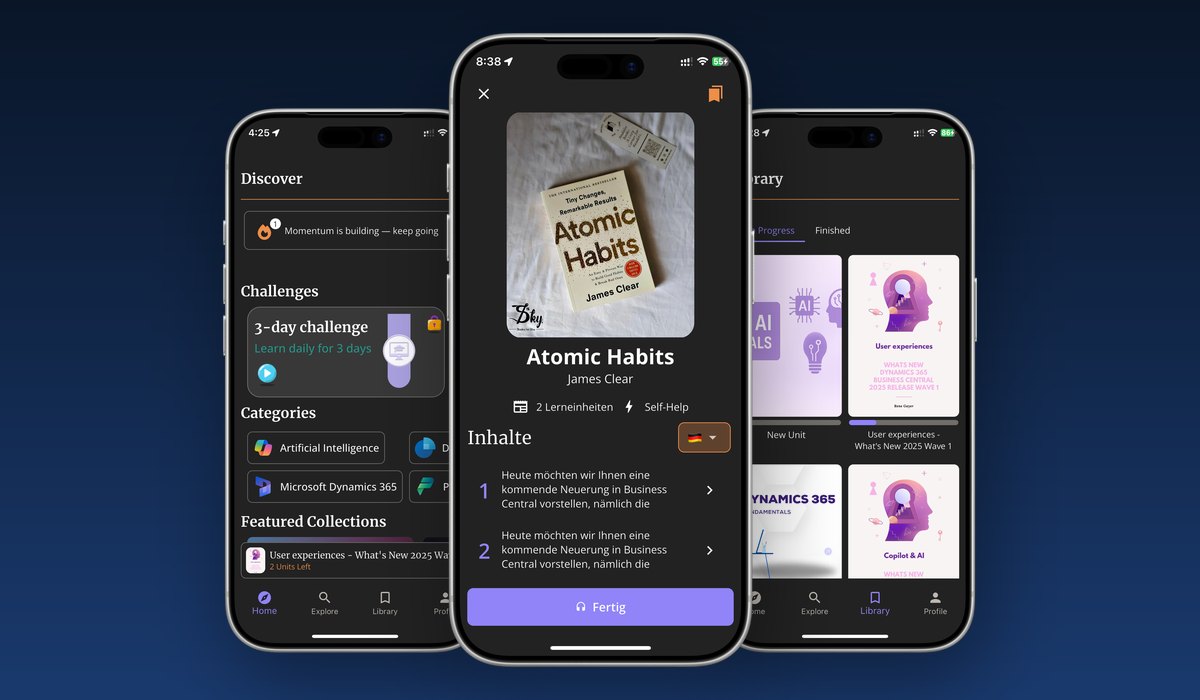
Our own work tends to begin at the point where this becomes a product — when a business has outgrown its tools and needs something built around how it actually operates. Saindy365 is a good example: a domain expert whose knowledge was locked in a manual, one-to-one process, turned into something that scales. If you're weighing that kind of build, our breakdown of what development costs is a reasonable place to calibrate.
Business Automation
Process
Custom Software
Operations